Square Integration
Last updated: October 15, 2026
What it does
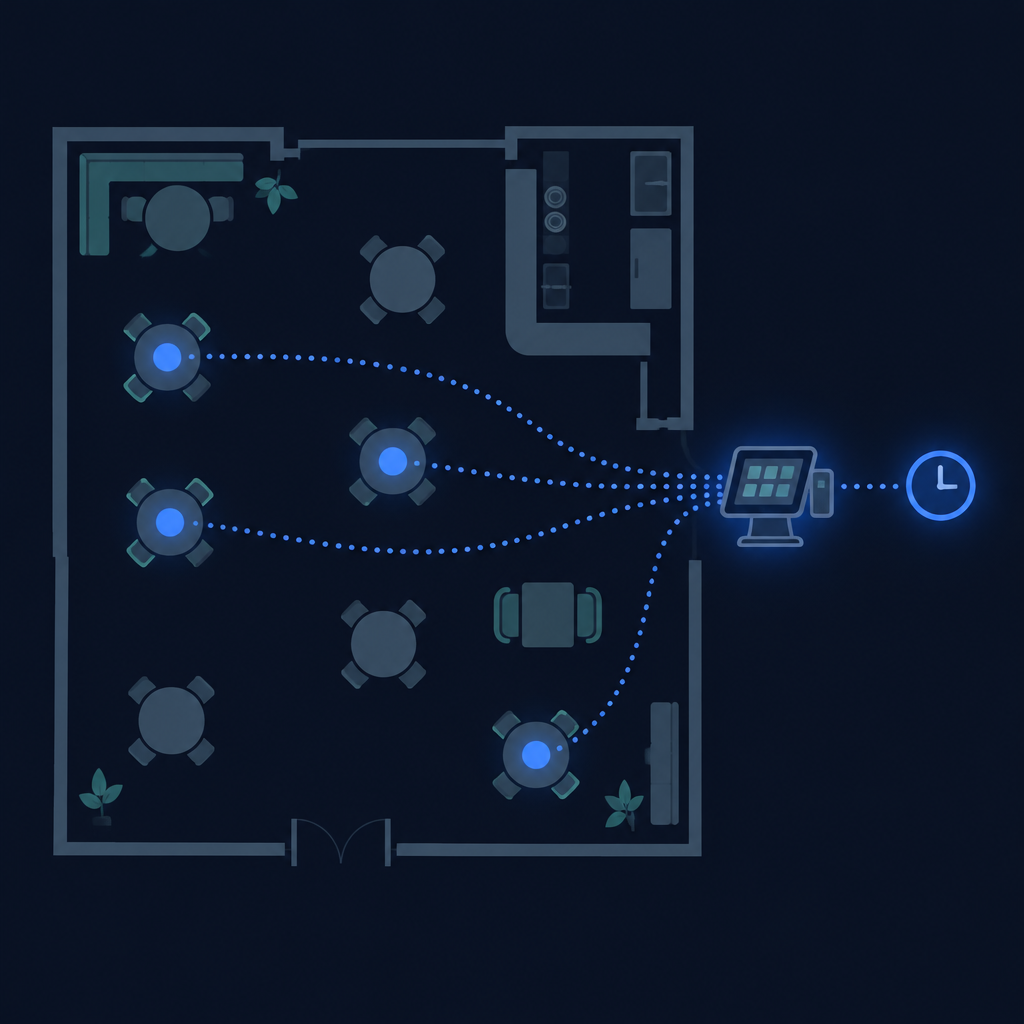
Sbeeqo can read your Square point-of-sale activity and turn it into a live waiting-time estimate for your guests. When a guest joins your waiting list — by scanning your QR code, or through the widget embedded on your website — they see how long the wait is likely to be, and that estimate updates automatically as tables turn over.
The estimate appears in three guest-facing places: your QR join page, the embedded widget on your own site, and each guest's personal "your spot in line" page.
Your Square account stays yours
Every restaurant connects its own Square account. Your estimate is built only from your own Square location — no other restaurant can see your open checks, and your tables never change anyone else's waiting times.
Your Square access token and webhook signature key are encrypted before they are stored, and they are never shown again once saved: the dashboard only displays the last four characters of the token. Connecting, testing and removing Square can be done only by the restaurant's owner, or by a Sbeeqo admin.
How the wait is calculated
The estimate is built only from what is actually happening in your restaurant today:
- Only dine-in checks count. Takeout and online orders — Square Online, pickup, delivery, and third-party apps like DoorDash, Uber Eats or Grubhub — never occupy a table, so they are ignored entirely.
- Only checks opened today count. A check left open from a previous day does not hold a table for tonight's wait.
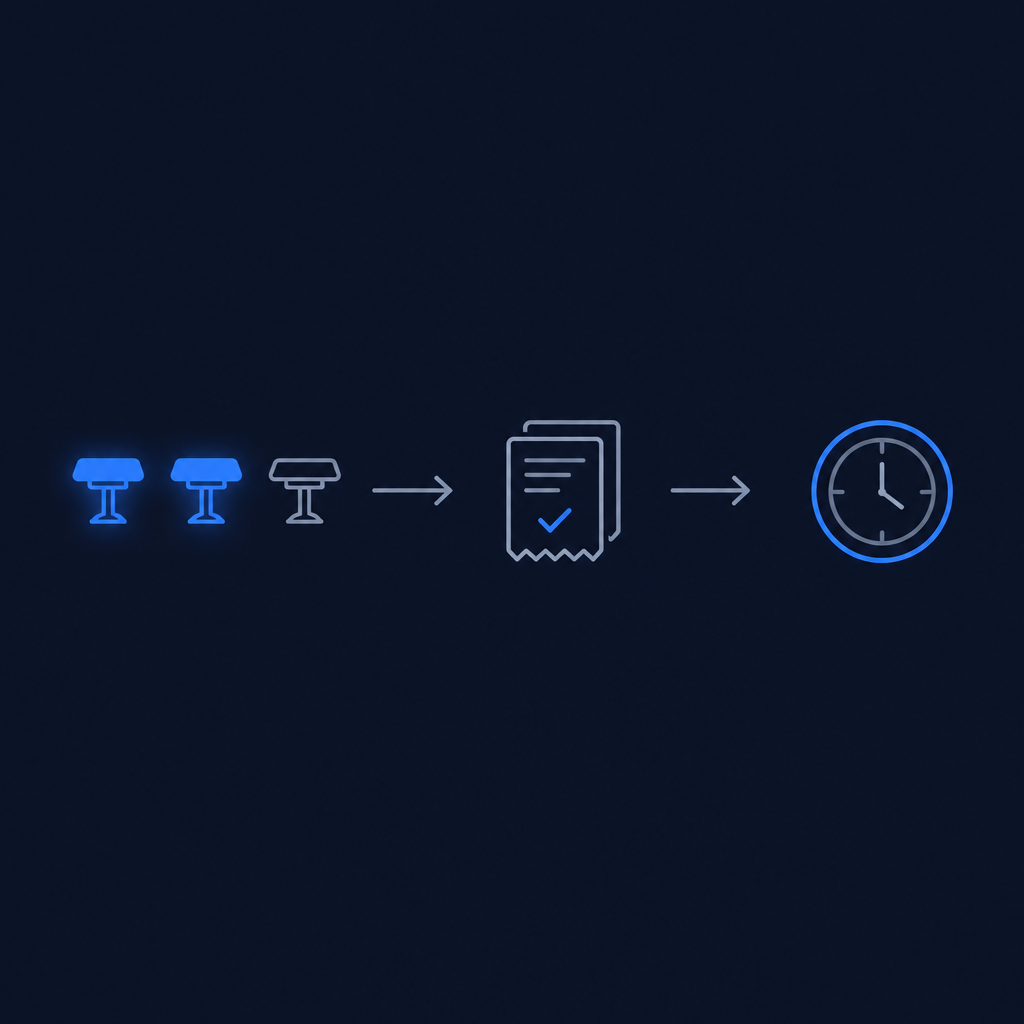
- Free tables first. If you set your table count, Sbeeqo subtracts today's open checks from it. The next parties on the list are seated immediately while tables remain free — their wait is zero.
- Then the typical table time. When every table is taken, Sbeeqo looks at the last 14 days of completed dine-in checks, takes the median time a table stays occupied, and uses it to project when the earliest tables will free up. (If your restaurant is new to the estimate, a 60-minute default applies until enough history builds up.)
- Rounded, honest numbers. Each guest is assigned the table expected to free up soonest, and the result is rounded to 5-minute bands — shown as "about 15–20 min", for example.
Live updates
Each restaurant has its own webhook address — it ends in that restaurant's own ID — and its own signature key. Square notifies that address the moment a check opens or closes, and Sbeeqo accepts the notification only when it matches that restaurant, so every guest's estimate refreshes within seconds. Only dine-in check events count: a takeout or delivery order never changes anyone's wait.
A short cache acts as a fallback, so the estimate stays accurate even if a notification is delayed.
Setting it up
Setup takes a few minutes in the Square card on your dashboard:
- Paste your Square access token. It is a password field — once saved you only see "Saved · ends in …abcd", never the full token.
- Enter your Square Location ID and your table count, then press Save.
- Copy the webhook address shown in the card — it ends in your restaurant's own ID — and add it in Square's webhook settings for the events
order.createdandorder.updated. - Paste the webhook signature key that Square gives you into the card and press Save again.
- Press Test connection to confirm the estimate is reading your location — it tells you how many checks are open and how many tables are occupied.
- Remove Square disconnects your restaurant at any time.
If Square can't be reached, or the location isn't configured, the wait line simply doesn't appear — joining and managing the waiting list keep working as usual.
Privacy
Sbeeqo reads only order timings and statuses from Square. Guest payment data, card details, and payment amounts are never accessed or stored. Your access token and webhook signature key are encrypted at rest and cannot be read back from the dashboard. See our Privacy Policy for how waiting-list data is handled.